ltlDS
Version 1.1
Offline capture for indicator-based (IBS) and event-based (EBS) surveillance. Reports are stored on this device and sent to the portal when you tap Sync.
v1.1 Changelogs
Bug Fixes:
- Fixed sync bug
- Fixed mail notification on SO1 register submit
Features:
- Disabled auto-filling 0 for diseases case and death numbers
- Added patient line list data entry and sync
- Added Health Facility list refresh on every sync attempt
Phone/Tablet တွင် ထည့်သွင်းခြင်း
- Phone/Tablet ၏ browser တွင် portal.ltlhc.org/mobile-apps/ သို့သွားပါ
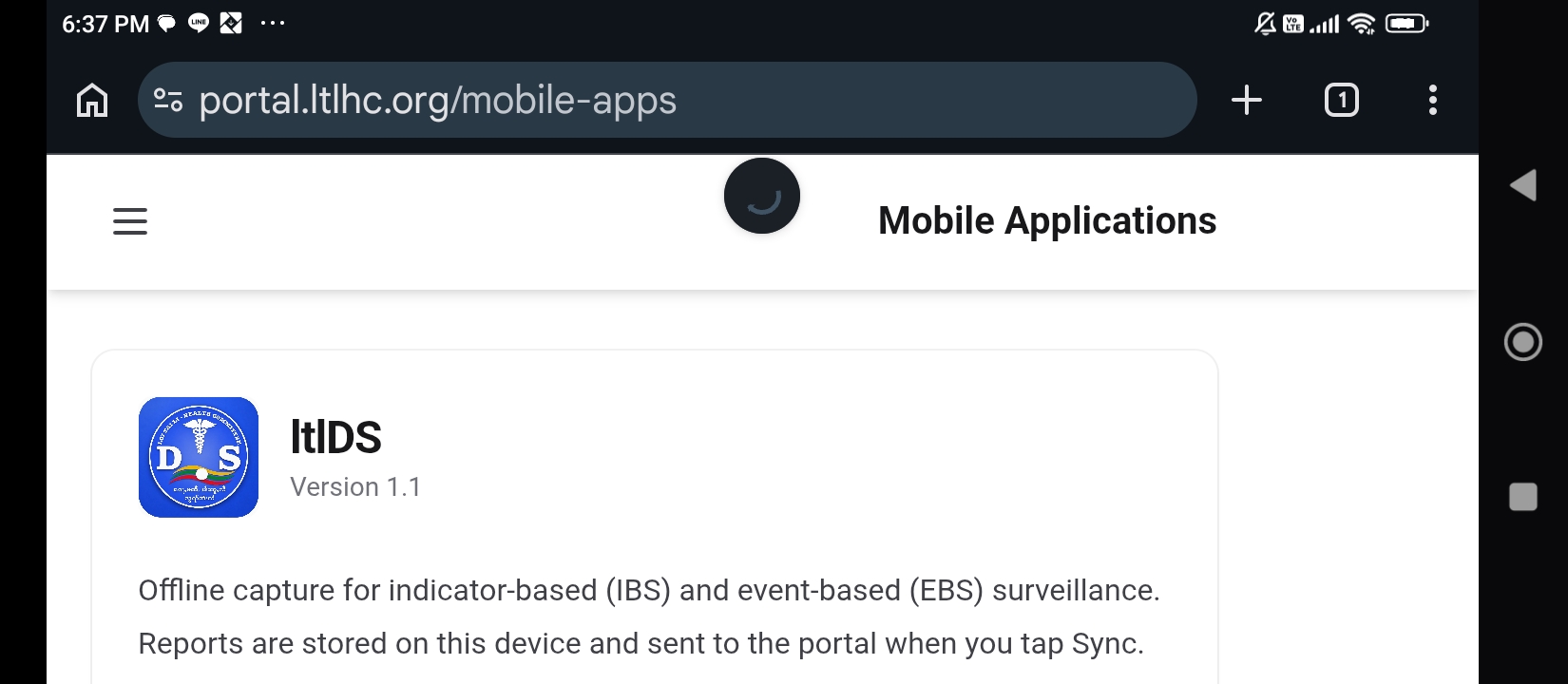
Browser Address - ပွင့်လာသည့် စာမျက်နှာတွင် "Download App" ခလုတ်ကိုနှိပ်ပါ
Download app - Download ပြီးလျှင် File Manager ကိုဖွင့်ပါ
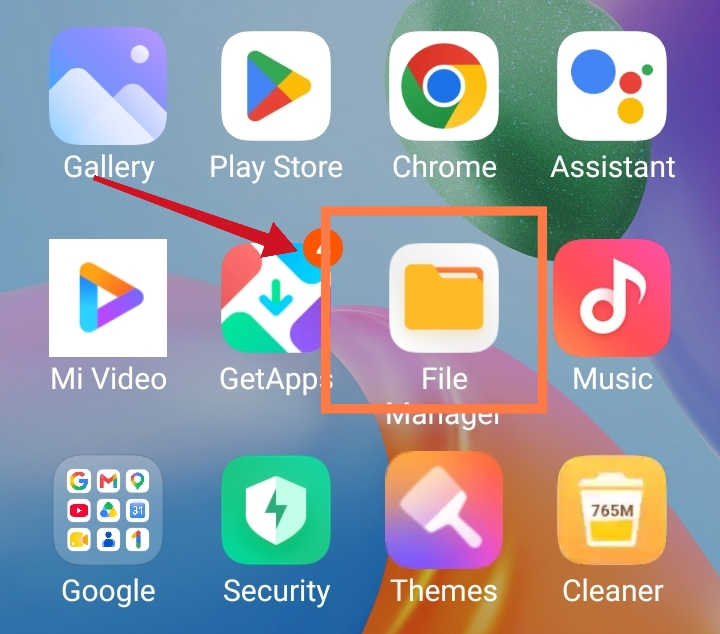
File Manager - Download ပြုလုပ်ထားသည့် Installer apk file ကိုဖွင့်ပါ
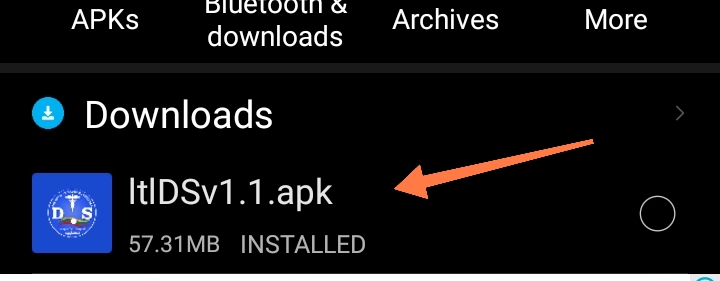
Open APK file - Application သွင်းထားလက်စရှိသူများတွင် "Update" ကိုရွေးပေးပါ။ မသွင်းဖူးသူများတွင် Install ကိုနှိပ်ပါ
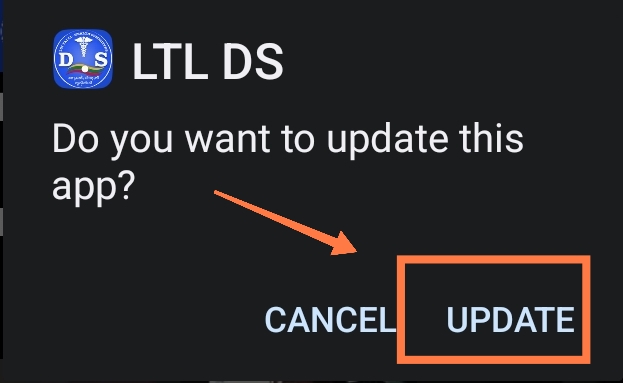
Update 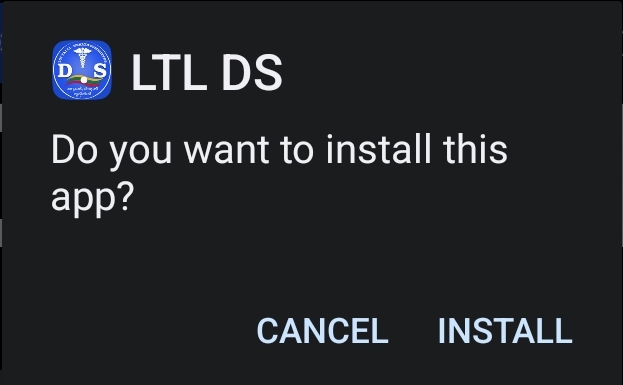
Install - ပုံပါအတိုင်း မြင်ရပါက "More details" ကိုနှိပ်ပါ
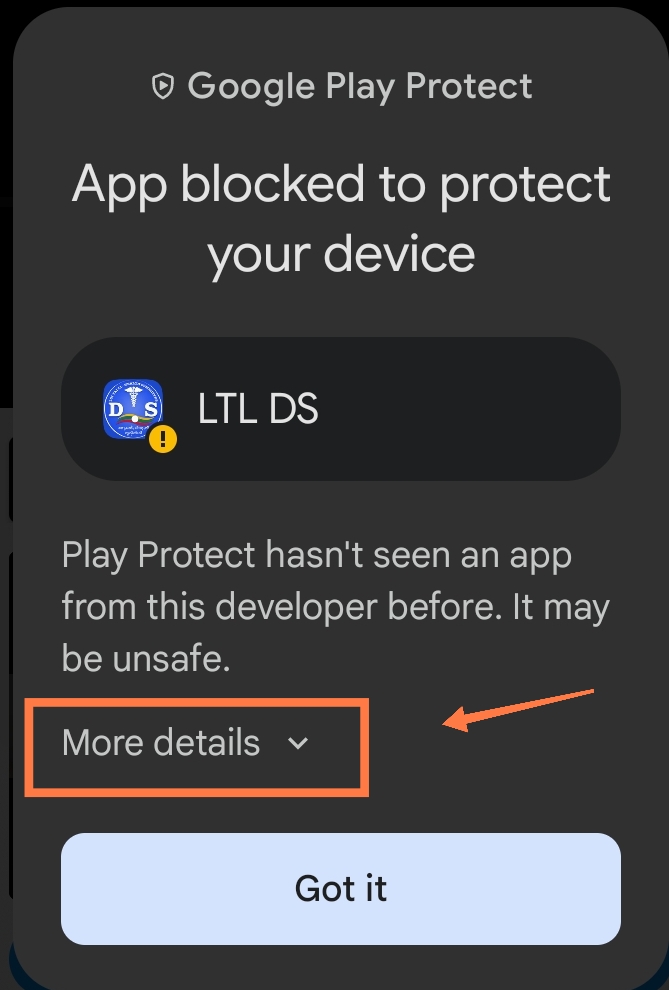
More details - Install Anyway ကိုနှိပ်ပါ
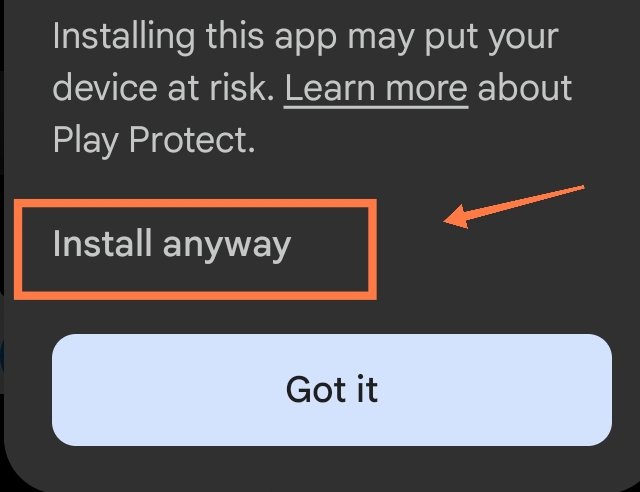
- အချို့ phone/tablet များတွင် package conflict error ပြပါက ပြန်ထွက်ပြီး ရှိပြီးသား application ကို Uninstall လုပ်ဖို့လိုပါတယ်။ Uninstall လုပ်ရင် phone/tablet ထဲမှာ application သုံးပြီးကောက်ယူထားတဲ့ အချက်အလက်တွေ အကုန်ပျက်သွားမှာမို့လို့ "Sync" ခလုတ်နှိပ်ပြီး အချက်အလက်တွေအကုန်ပို့ပြီးမှ Uninstall လုပ်သင့်ပါတယ်
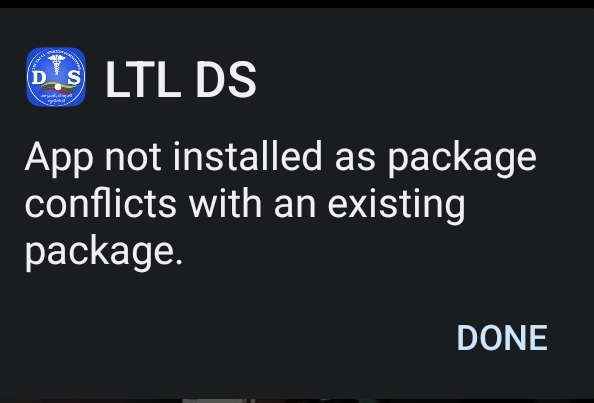
Package conflict - Install ပြုလုပ်ပြီးတဲ့အခါ မိမိအသုံးပြုတဲ့ email နဲ့ password ထည့်သွင်းပြီး login ဝင်ရောက်နိုင်ပါတယ်
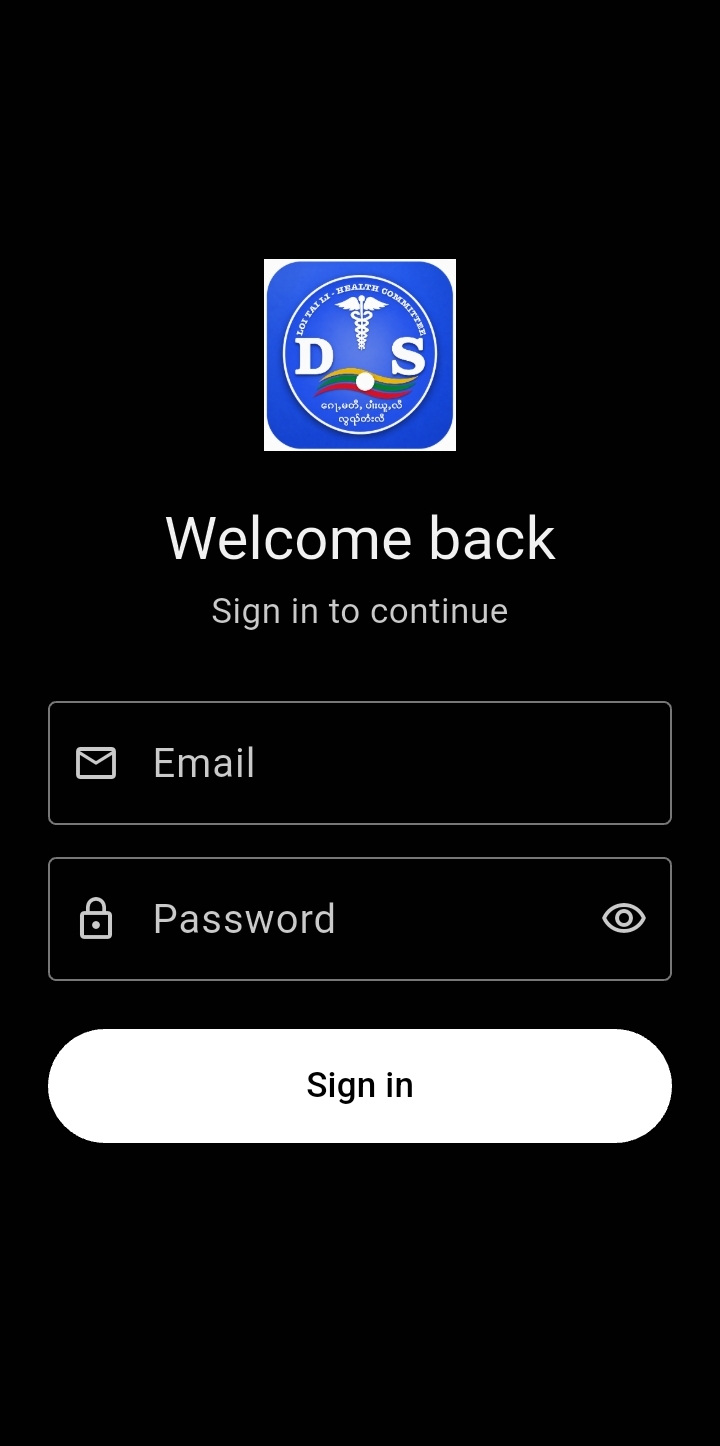
Login